Features
SerpelBot
SerpelBot is the crawler of Serpel. It identifies itself as SerpelBot/0.1 in the user agent, follows your robots.txt and crawls gently, with at most 3 page requests at a time to your website. This page explains how it behaves and how you allow or block it.
What is SerpelBot?
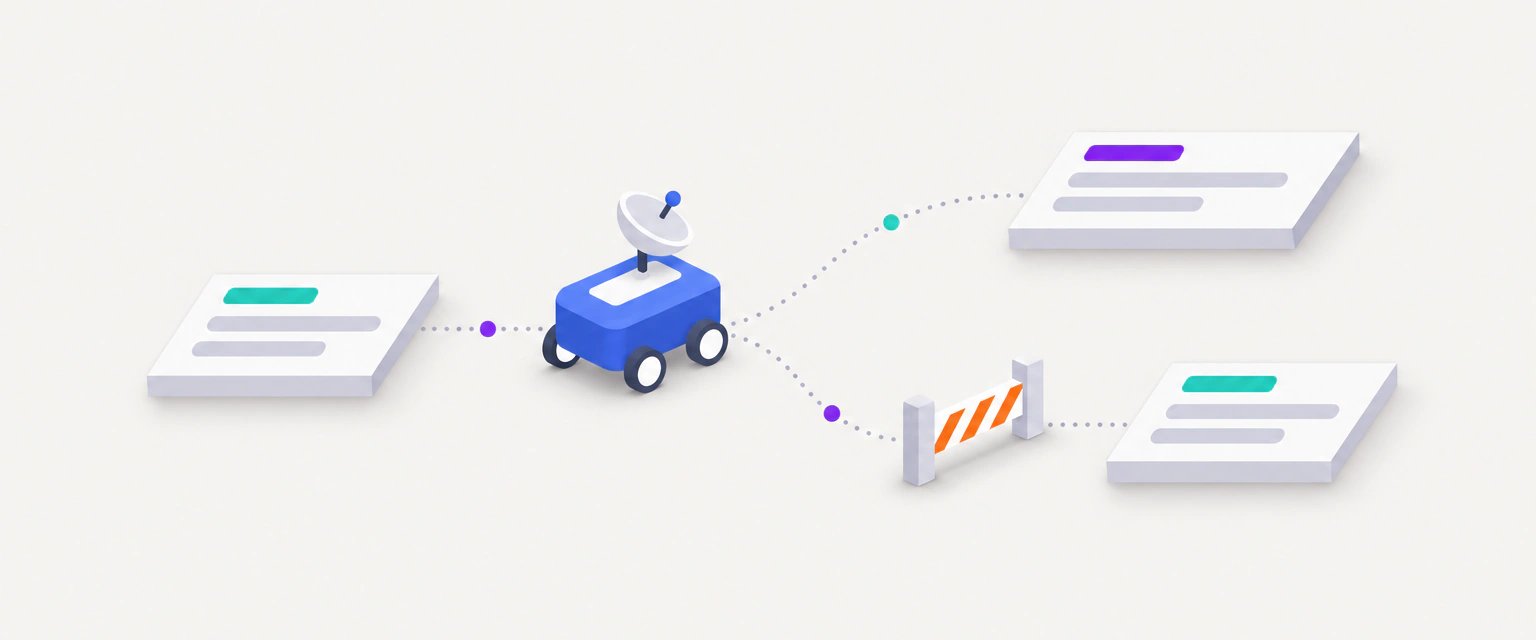
SerpelBot is the crawler of Serpel. It fetches pages when a Serpel user crawls a website, for example for a site audit of their project. It reads pages, follows internal links and reports what it finds to that Serpel user. It doesn’t submit forms and doesn’t sign in.
This is the user agent that you will find in your server logs:
Mozilla/5.0 (Linux; Android 14; Pixel 8) AppleWebKit/537.36 (KHTML, like Gecko) Chrome/140.0.0.0 Mobile Safari/537.36 (compatible; SerpelBot/0.1; +https://serpel.app/bot)By default SerpelBot identifies as a mobile browser, the way search engines evaluate websites today. The token SerpelBot/0.1 and the address of the crawler page come last. It also sends an Accept-Language header that matches the language and country of the project, for example de-DE,de;q=0.9,en;q=0.5 for a German project, so websites that choose a language by header answer in the right one.
Serpel describes the crawler for website owners on a public page, serpel.app/bot. Signed-in users find a pointer to it under Settings → Crawler info. The product side of the crawl, from the start button to the results, is explained in the site audit guide, and the site audit feature page summarises what the crawl is for.
- page requests at a time
- 3
- Single requests such as the sitemap come on top
- between page request starts
- 250 ms
- Longer when your robots.txt asks for it
- longest Crawl-delay followed
- 10 s
- Longer values are capped
- timeout per page request
- 15 s
- Then the URL is recorded as failed
How does SerpelBot treat your robots.txt?
SerpelBot fetches /robots.txt before any page of a crawl and applies it to every page it crawls. It looks for a group that starts with User-agent: SerpelBot, matched without regard to case. If there is no such group, it uses the * group. The groups are never merged: as soon as a SerpelBot group exists, the * group no longer applies to SerpelBot, even if it only contains an empty Disallow: line. Checks of links and embedded resources, the sitemaps and /llms.txt are not filtered by your rules.
Inside the group, the longest matching rule wins, and when an Allow and a Disallow rule are equally long, Allow wins. The characters * and $ work as wildcards in paths. Which answer SerpelBot gets for the file itself matters as much as its content:
| What your robots.txt does | What SerpelBot does |
|---|---|
| Answers with status 200 and rules | Applies the rules. URLs that it must not fetch are not requested. They appear in the result as blocked. |
| Answers with 404 or another 4xx status | Treats the file as missing and crawls everything. The audit reports “No robots.txt found”. |
| Answers with a 5xx status, times out or can’t be reached | Treats the whole website as blocked and stops. No pages are fetched, and the audit reports “robots.txt responds with a server error”. |
Names sitemaps with Sitemap: lines | Reads them after it has followed the links. Without such lines it tries /sitemap.xml. |
Sets Crawl-delay for SerpelBot or for * | Waits that many seconds between page request starts, up to 10 seconds. |
How fast does SerpelBot crawl?
For a site audit crawl, these are the current settings:
| Setting | Value |
|---|---|
| Parallel page requests to your website | At most 3 |
| Gap between the starts of two page requests to your host | At least 250 milliseconds |
Crawl-delay from your robots.txt | Followed in seconds, capped at 10 seconds. A delay below 250 milliseconds doesn’t make the crawl faster. |
| Timeout per page request | 15 seconds |
| Response size | Up to 5 MB per response. SerpelBot downloads the body only for successful HTML responses. |
| Pages per crawl | Up to 1,000, depending on the plan of the Serpel user |
| Third-party hosts, for link checks | At most 2 parallel requests per host |
A Serpel user can’t raise these values. If your server needs more room, add a Crawl-delay line for SerpelBot, as shown below.
What does SerpelBot fetch?
- The HTML of your pages. For other responses, such as a PDF that you link to, it reads only the headers.
- Your
robots.txt, your sitemaps and/llms.txt. - The external links on your pages and the images, scripts and stylesheets they load, with HEAD requests.
- One request to a made-up address that starts with
/serpel-pruefung-, followed by random characters. Serpel uses it to see how your website answers for a page that doesn’t exist, so it can spot soft 404 pages. - Your homepage over the other protocol, to see whether HTTP redirects to HTTPS.
- If JavaScript rendering is on for the project, pages in a headless browser.
SerpelBot only connects to ports 80 and 443. It refuses addresses in private networks and hosts such as localhost, so a staging website that is reachable only inside your network can’t be crawled.
What happens when SerpelBot is blocked?
It depends on how the block happens. Serpel tells the three cases apart:
A Disallow rule
- The crawl completes.
- Blocked URLs are saved, marked as blocked and included in the page count of the result.
- Issues: “Start URL blocked by robots.txt” as an error and “Internally linked URL blocked by robots.txt” as a notice.
robots.txt unreachable
- The crawl stops at once.
- No pages are saved and nothing is charged.
- Issue: “robots.txt responds with a server error”.
Firewall or bot protection
- Pages are saved with the status your server sent, or as failed requests.
- Serpel reports no robots.txt finding, because robots.txt allowed the request.
- Allow the user agent
SerpelBotin the firewall rule.
In the Pages list of the crawl, blocked URLs carry the tag robots.txt in the Status column, and the Status filter offers “Blocked by robots.txt”. The issue “Start URL blocked by robots.txt” means that the rule which applies to SerpelBot covers the start URL itself. If that rule is meant for all crawlers, search engines can’t see your content either, so remove or narrow it when your website should be audited and indexed.
How do you allow or block SerpelBot in robots.txt?
Put the lines into the robots.txt of the website that SerpelBot crawls. Serpel fetches the file again at the start of every crawl, so the next crawl follows your change. A rule for SerpelBot affects only SerpelBot. It doesn’t change how Googlebot, Bingbot or any AI crawler treats your website.
Block SerpelBot completely
User-agent: SerpelBot
Disallow: /
Block only some sections
User-agent: SerpelBot
Disallow: /internal/
To block a section but keep one page inside it open, add an Allow rule. The longer rule wins, so the press page stays crawlable:
User-agent: SerpelBot
Disallow: /private/
Allow: /private/press/
Allow SerpelBot while you block other crawlers
A User-agent: * group with Disallow: / blocks SerpelBot too. Give SerpelBot its own group to let it in. An empty Disallow: allows everything:
User-agent: SerpelBot
Disallow:

User-agent: *
Disallow: /
Slow SerpelBot down
User-agent: SerpelBot
Crawl-delay: 5
Wildcards work in paths: Disallow: /*.pdf$ blocks every URL that ends in .pdf. The free robots.txt checker shows which AI crawlers a robots.txt allows on your homepage, plus your llms.txt and sitemaps, so you can confirm that your rules do what you intend.
What does the AI crawler access check do?
With every crawl, Serpel tests your robots.txt against your start URL for Googlebot and Bingbot and for 13 AI crawlers. A crawler counts as allowed when the group that applies to it doesn’t disallow the start URL. Serpel also requests /llms.txt and records whether it answers with a successful status. This is a test of your rules, not a request with each user agent, so a firewall can still stop a crawler that robots.txt allows.
| User agent | Vendor | Purpose |
|---|---|---|
OAI-SearchBot | OpenAI | AI search |
GPTBot | OpenAI | Training |
ChatGPT-User | OpenAI | User fetch |
Claude-SearchBot | Anthropic | AI search |
ClaudeBot | Anthropic | Training |
Claude-User | Anthropic | User fetch |
PerplexityBot | Perplexity | AI search |
Perplexity-User | Perplexity | User fetch |
Google-Extended | Training | |
Applebot-Extended | Apple | Training |
CCBot | Common Crawl | Training |
Meta-ExternalAgent | Meta | Training |
MistralAI-Index | Mistral | AI search |
AI crawler access
from robots.txt · 10 allowed, 3 blocked
- OAI-SearchBotAI search
- GPTBotTraining
- ChatGPT-UserUser fetch
- Claude-SearchBotAI search
- ClaudeBotTraining
- Claude-UserUser fetch
- PerplexityBotAI search
- Perplexity-UserUser fetch
- Google-ExtendedTraining
- Applebot-ExtendedTraining
- CCBotTraining
- Meta-ExternalAgentTraining
- MistralAI-IndexAI search
Only some results become issues. “Search engine crawler blocked by robots.txt” is an error and appears when Googlebot or Bingbot is blocked. “AI search crawler blocked by robots.txt” is a warning and appears when a crawler with the purpose “AI search” is blocked, because then your website can’t show up as a source in that assistant. “llms.txt is missing” is a notice. Blocked crawlers with the purpose “Training” or “User fetch” raise no issue, so you can block them on purpose. The audit checks explain each finding, and AI visibility measures what ChatGPT and Google actually answer.
The dashboard doesn’t show this list crawler by crawler. You get it from the CLI, where serpel ai status prints the table and serpel crawl show prints how many AI crawlers are allowed. The CLI guide covers both, and the same data is in the REST API response of GET /projects/{id}/ai-visibility.
serpel ai status --project <id>
serpel crawl show <crawlId>
What can go wrong?
| Problem | Cause | What to do |
|---|---|---|
| SerpelBot ignores my robots.txt change | A crawl reads robots.txt once, at its start. A crawl that is already running keeps the version it fetched. | Wait for the next crawl, or start one after the change. |
| SerpelBot can’t reach my staging website | It refuses private network addresses and ports other than 80 and 443, and it can’t sign in. | Crawl a publicly reachable copy, or audit the live website. |
| I see SerpelBot in my logs, but I never added the website | Someone else added your website to Serpel and crawled it. | Block SerpelBot with the robots.txt lines above. The next crawl follows them. |
Where to go next
Updated 5 Nov 2026
See also
- Site auditSite audit in Serpel: how a crawl runs, how to read issues and pages, how the audit score works and what a crawl costs in credits.
- Every site audit check explainedAll 94 checks of the Serpel site audit with severity, why each issue matters and how to fix it, grouped into 18 categories.
- Robots.txt checkerFree robots.txt checker: see which of 13 AI crawlers can reach your homepage, list your sitemaps and check llms.txt.
- AI visibilityAI visibility in Serpel shows whether ChatGPT with web search and Google AI Overviews cite or mention your website for your prompts.