Get started
How Serpel works: the core concepts
Serpel organises everything around projects: one project per website, with its own market, keywords, prompts and settings. Checks run as background jobs, paid ones use credits from your workspace, and monitoring repeats them on a schedule. Opportunities and reports then turn the results into a short list of what to do next.
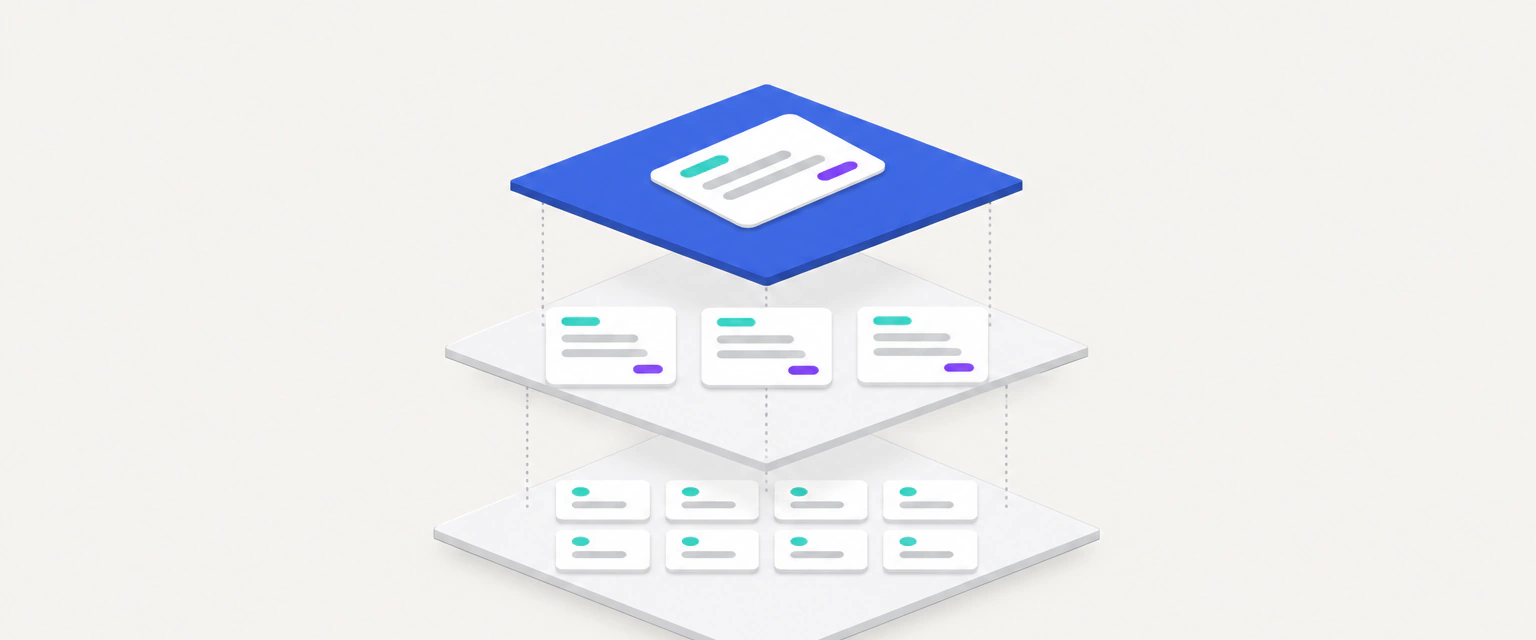
Sources
Your crawl, Google results, AI answers, Search Console, Bing and web analytics.
Jobs
Background jobs fetch and check the data, alone or as part of monitoring.
Results
Issues, positions, citations and search data are stored per project.
Opportunities and reports
Rules rank the next steps, reports summarise each monitoring run.
You
Dashboard, CLI, REST API or a coding agent over MCP, all on the same data.
What are workspaces and projects?
Your account comes with a workspace. The workspace holds the projects you own, your credit balance and your plan. A project stands for one website: a domain plus a market, made of a country and a language. Everything Serpel measures belongs to a project, and every paid check in a project is paid from the workspace that owns it.
People get access per project, in one of 3 roles: viewers read, editors also change settings and start checks, owners also remove members and delete the project. The projects guide explains settings and roles, the account guide covers tokens and data export.
Where does Serpel get its data?
Data Serpel collects for you
- Google results for your keywords, ChatGPT answers and Google AI Overviews, from the data provider DataForSEO.
- Keyword data such as search volume, difficulty and intent, also from DataForSEO.
- The crawl of your website by SerpelBot, plus Core Web Vitals from Google PageSpeed Insights.
Data you connect
- Clicks, impressions and queries from Google Search Console and Bing Webmaster Tools.
- Visitors and conversions from PostHog, Plausible or Google Analytics 4.
- Routes and metadata of your Next.js code from a local codebase scan.
Connected sources sync in the background and cost nothing. The guides for search data, web analytics and the codebase scan show how to connect each one.
What is a job?
Anything that takes longer than a moment runs as a background job, so you can close the browser while it works. There are 9 job types: “Website crawl”, “Rank check”, “AI visibility”, “Monitoring”, “Search data sync”, “Web analytics sync”, “Codebase snapshot”, “Generate recommendations”, “Bing index sync”. A job is “Queued”, “Running”, “Completed”, “Failed”, “Cancelled”. The History page of a project lists every job with its result, and you can cancel or retry jobs there. See history and exports.
How do credits fit in?
Credits pay for the paid checks: rank checks, AI checks and keyword research, which Serpel buys from data providers, and the pages the crawler fetches. Before a paid job starts, Serpel reserves its highest possible price. When the job ends, only what was delivered is charged and the rest goes back to your balance. Reading results, syncing your own data, reports and opportunities never cost credits. The credits guide has the full price list.
What is monitoring?
Monitoring repeats the rank checks for all tracked keywords and the AI checks for all prompts of a project on a schedule: daily, every three days or weekly, at an hour you pick. A weekly crawl can run alongside. Each monitoring run writes a report with what moved, which Serpel can email and post to Slack, Discord or your own webhook. Scheduled rank checks wait in the provider’s queue and cost less than checks you start by hand. The monitoring guide shows how to set it up.
What are opportunities and tasks?
Opportunities are recommendations that Serpel derives from your data with fixed rules, without AI: keywords just outside the top positions, pages with a low click rate, missing pages, technical blockers and more. Each gets a score from the expected extra clicks, the confidence and the effort, so the most useful work comes first. The opportunities guide lists the rules.
Tasks are your own to-do items for a project. You manage them through the CLI and the REST API, and after each crawl Serpel checks whether the issues behind a task are resolved.
Which terms should you know?
| Term | Meaning |
|---|---|
| Market | The country and language of a project. Rank checks, AI checks and keyword data use it unless you choose another one. |
| Depth | How many Google results a rank check reads: top 10, top 20, top 30, top 50, top 100. If your domain isn’t within the depth, the keyword counts as “not found”. |
| Position | The first result of your domain, including subdomains, within the depth. |
| Prompt | A question you track in ChatGPT and Google AI Overviews. |
| Cited and mentioned | Cited means your domain is a source of the AI answer. Mentioned means the answer names your brand or domain, with or without a link. |
| Audit score | A value from 0 to 100 for the technical state of the website, calculated from the 94 checks of the last crawl. |
| Reservation | Credits blocked for a running job. What isn’t used goes back to the balance. |
| Scope | A permission of an API token, such as audit:read. Tokens only work within their scopes. |
Where to go next
Updated 5 Nov 2026
See also
- Quickstart: from sign-up to your first dataGet started with Serpel: create an account and a project, connect Search Console, run the first crawl and track your first keywords and AI prompts.
- Projects: set up and manage a website in SerpelCreate a project in Serpel, set its market, crawl, rank check and monitoring options, manage members and delete it. Plan limits explained.
- Credits and billingHow Serpel credits work: what each check costs, what stays free, how plans, monthly credits, top-ups, promo codes and cancellation work.
- Monitoring and reportsHow monitoring and reports work in Serpel: schedules, credit costs, email, Slack, Discord and webhook delivery, and what pauses a run.