How does ChatGPT search choose which sites to cite?
OpenAI’s help page on web search describes the process in outline. ChatGPT may search automatically when a question benefits from current information, or you can start a search yourself. It typically rewrites the question into one or more targeted queries, sends them to search providers, and may send further, more specific queries after reading the first results. The answer then carries citations that link to the sources, and a Sources view lists the pages used. Web search is available on every ChatGPT plan, including to people who are not signed in.
What OpenAI does not publish is how it weighs sources. The help page says only that ChatGPT ranks search results using multiple factors intended to help users find relevant, reliable information, and that placement is not guaranteed. A list of “ChatGPT ranking factors” stated as fact goes beyond what OpenAI documents. What you can control is what is documented: access, retrievability and quotability. That is the practical answer to how to rank on ChatGPT.
Does ChatGPT search use Bing?
OpenAI’s help page says ChatGPT search sometimes partners with other search providers and links the privacy statements of Microsoft and Shopify for how they handle queries. When search launched in late 2024, InfoQ reported that internet searches were performed by third-party engines including Bing. OpenAI does not say how much each source contributes, and its crawler documentation describes OAI-SearchBot as the bot that surfaces websites in ChatGPT’s search features.
Treat Bing as a cheap safeguard, not a proven lever. Confirm that your site is indexed in Bing Webmaster Tools and consider IndexNow, a simple ping that tells participating engines when content changes. Bing, Yandex, Naver, Seznam.cz and Yep are listed as supporters.
Which OpenAI bots will you see in your logs?
| Bot | Purpose | Affects ChatGPT search visibility? | robots.txt |
|---|---|---|---|
| OAI-SearchBot | Surfaces websites in ChatGPT’s search features | Yes. Sites that opt out are not shown in search answers | Applies. OpenAI recommends allowing it |
| GPTBot | Crawls content that may be used to train OpenAI’s foundation models | No. It only signals training use | Applies. Disallow it to opt out of training |
| ChatGPT-User | Visits a page when a user’s question or a GPT Action needs it | No. It is not used to decide whether content appears in search | OpenAI says the rules may not apply to user-initiated requests |
OpenAI also lists OAI-AdsBot, which only visits pages submitted as ads on ChatGPT and whose data is not used to train models. Each bot publishes its own IP ranges, so you can tell the real crawler from a copy of its name.
How to rank in ChatGPT: the steps that matter
Allow OAI-SearchBot in robots.txt
OpenAI recommends allowing OAI-SearchBot and says sites that opt out are not shown in ChatGPT search answers, though they can still appear as navigational links. Each setting is independent, so this file allows search while asking OpenAI not to use your pages for training. OpenAI says its search systems can take about 24 hours to adjust after a change.
robots.txt User-agent: OAI-SearchBot Allow: / User-agent: GPTBot Disallow: /Let OpenAI’s IP ranges through
OpenAI says to confirm that your host or CDN allows traffic from its published OAI-SearchBot IP addresses. Use the list for a firewall allow rule rather than trusting the user-agent string alone, because other bots can claim any name.
Print OpenAI’s published OAI-SearchBot ranges node -e "fetch('https://openai.com/searchbot.json').then(r=>r.json()).then(d=>d.prefixes.forEach(p=>console.log(p.ipv4Prefix??p.ipv6Prefix)))"Keep GPTBot and ChatGPT-User separate
Manage the three bots in the table above on their own terms. Opting out of training with GPTBot has no effect on search, and blocking ChatGPT-User with robots.txt may not stop user-initiated fetches. Our guide to AI crawlers covers the other vendors’ bots.
Serve the answer as server-rendered text
Vercel’s December 2024 analysis found that GPTBot fetched JavaScript files but did not execute them, and Google asks that important content is available as text. The study covered GPTBot, not OAI-SearchBot, so read it as a strong hint rather than proof. Put the main content, headings, tables and key facts in the initial HTML.
Lead with the answer and support it with specifics
ChatGPT sends targeted queries, so a page that answers one clear question near the top gives it something to quote. Add attributed numbers, named sources and dates. The GEO research found that adding statistics, quotations and citations raised visibility in its test engines.
Cover the follow-up questions
ChatGPT may send more specific queries after the first results, so a page that also answers the obvious next questions has more chances to match. Write one thorough page rather than several thin ones.
Stay indexable in Google and Bing
Keep pages free of noindex, return correct status codes and list them in your sitemap. Verify the site in Bing Webmaster Tools, because OpenAI links Microsoft’s privacy statement among its search partners.
Show when the page was updated
OpenAI tells users to check when a cited source was published or updated, because results can be outdated. A visible update date helps readers decide whether to trust your page.
What does a page that ChatGPT can quote look like?
OpenAI has not published a template, so this is a practical reading of what it does say: ChatGPT sends targeted queries, quotes sources and tells users to verify them. Write for a reader who will check your claims.
- A heading that states the question or topic, so a retrieved passage makes sense on its own.
- A direct answer in the first one or two sentences, followed by the detail.
- Numbers with a source and a date, for example “median response time 420 ms, measured on 10 Oct 2026”, instead of “fast”.
- A table for comparisons, with the same columns for every option, so a fact can be lifted without losing its label.
- A named author or organisation and an update date, so a reader can judge who is speaking and how current the page is.
None of this is a ChatGPT-only trick. Google’s guide asks for content that is well organised with clear headings and written for people, and the GEO paper found that attributed statistics and quotations raised visibility in its test engines.
What does not work for SEO for ChatGPT?
- Blocking GPTBot to hide from ChatGPT. It only opts content out of training. Search visibility depends on OAI-SearchBot.
- Keyword stuffing. In the GEO paper it scored below the unmodified baseline in the authors’ test engines.
- Buying guaranteed placement. OpenAI says placement is not guaranteed, so a service that promises it cannot deliver it.
- Relying on llms.txt. Google says its Search ignores the file, and we found no statement from OpenAI that ChatGPT search reads it. Our llms.txt examples show where it still helps.
How do you check if ChatGPT cites your website?
Use three signals together, because each one has blind spots.
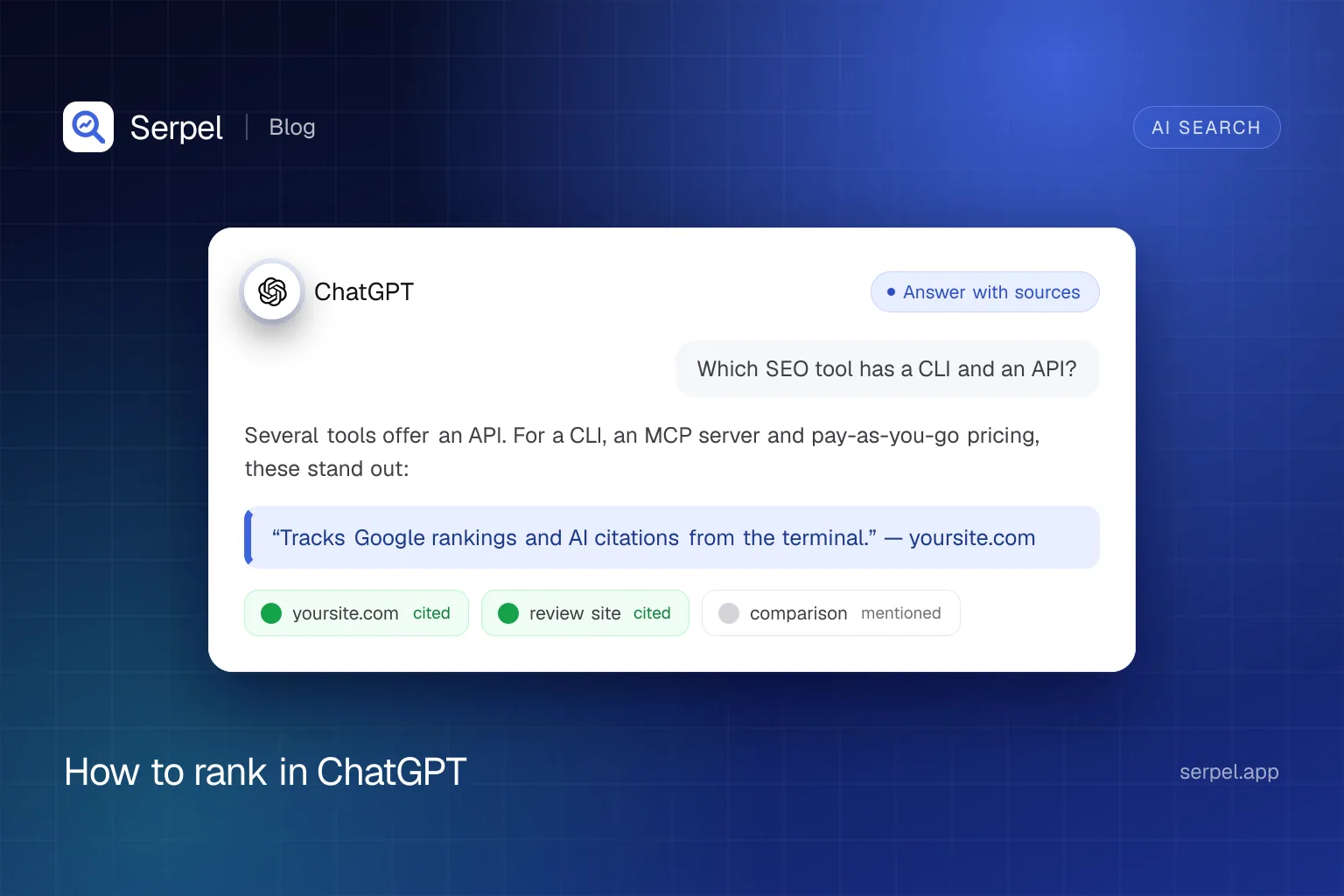
- Test prompts by hand. Write 10 to 20 questions your customers ask. In ChatGPT, open View all tools and select Search (or type / and pick Search), ask the question and open Sources to see which domains were cited. Record whether you were cited (linked) or only mentioned (named without a link). OpenAI says saved memories can be used when it rewrites a search query and that your approximate location can shape local results, so test in a session without memory and note the country.
- Read your server logs. Requests from OAI-SearchBot show that your pages are being crawled for ChatGPT search. Requests from ChatGPT-User may mean a user’s question led ChatGPT to fetch your page. Both should return status 200.
- Look for referral visits. Check your analytics referral sources for chatgpt.com. Visits without referrer data appear as direct traffic, so treat the count as a minimum.
grep -E "OAI-SearchBot|ChatGPT-User" access.log | awk '{print $9}' | sort | uniq -c | sort -rnA citation shows that ChatGPT used your page for that answer. It does not show that the answer was right or that anyone clicked, so pair citation checks with referral and log data before you draw conclusions. A manual test is also a sample, not a measurement: answers vary between runs, and OpenAI warns that results and citations can be incomplete, outdated or incorrect. To see a trend, repeat the same prompts on a schedule and compare. Serpel runs your prompts against ChatGPT with web search, records for each check whether the answer cited or mentioned your domain and which sources it used, and keeps the history so you can see changes after you edit a page.
serpel ai add --project <id> --prompt "How do I rank in ChatGPT search?"
serpel ai run --project <id> --wait
serpel ai prompts --project <id>
Frequently asked questions
Can you rank in ChatGPT?
ChatGPT SEO works differently from Google SEO because there is no ranking list that you can climb. ChatGPT ranks sources internally using factors OpenAI does not publish, and placement is not guaranteed. What you control is access for OAI-SearchBot, indexable server-rendered pages and content worth quoting.
Do I need to allow GPTBot to appear in ChatGPT search?
No. GPTBot is OpenAI’s training crawler, and OAI-SearchBot handles search. OpenAI says each robots.txt setting is independent, so you can allow OAI-SearchBot and disallow GPTBot. Also confirm that your CDN does not block OpenAI’s published IP ranges.
Does ChatGPT search use Bing?
OpenAI says ChatGPT search sometimes partners with other search providers, and its help page links Microsoft’s privacy statement. Press reports at launch said third-party engines including Bing performed the searches. OpenAI does not publish how much each source contributes, so keep your site indexed in Bing as a low-cost safeguard.
How long does it take after I change robots.txt?
OpenAI says its systems can take about 24 hours to adjust to a robots.txt update for search results. Being cited also depends on a page being retrieved for a given question, so there is no fixed timeline for a first citation.
Sources
- OpenAI Help Center: Searching the web with ChatGPT, accessed 10 Oct 2026
- OpenAI: Overview of OpenAI crawlers, accessed 10 Oct 2026
- InfoQ: ChatGPT search release (5 Nov 2024), accessed 10 Oct 2026
- OpenAI: Published OAI-SearchBot IP ranges (JSON), accessed 10 Oct 2026
- IndexNow, accessed 10 Oct 2026
- Vercel: The rise of the AI crawler, accessed 10 Oct 2026
- Google Search Central: AI features and your website, accessed 10 Oct 2026
- Google Search Central: Optimizing your website for generative AI features on Google Search, accessed 10 Oct 2026
- Aggarwal et al., GEO: Generative Engine Optimization (arXiv 2311.09735), accessed 10 Oct 2026
Related reading
- Generative engine optimization (GEO): what it is and what worksGenerative engine optimization (GEO) is how you get cited in AI answers. See what the research found, what Google says and a checklist you can use.
- AI crawlers: which to allow, which to block, and how to do itA practical list of AI crawlers: what GPTBot, ClaudeBot and others do, which to allow or block, plus robots.txt examples you can copy and test.
- Best AI visibility tools in 2026: what they track and what they costThe best AI visibility tools compared: what Semrush, Ahrefs, Peec AI, Otterly.AI, Profound and Serpel track, their public pricing and how to choose.
- AI visibilitySerpel is an AI visibility tool: it checks whether ChatGPT and Google AI Overviews cite your website for the questions your customers ask.