What is llms.txt?
llms.txt is a proposal for a Markdown file, placed at /llms.txt, that gives language models and AI agents a curated overview of a website and links to the pages that matter. Jeremy Howard published the idea on 3 Sept 2024, and the llmstxt.org specification, now at version 2, was last modified on 10 Aug 2026.
It addresses a practical problem. HTML pages wrap their information in navigation, ads and scripts, and context windows are still too small for most whole sites. A short file that points to clean Markdown pages lets an agent find what it needs and fetch only that. The specification says the file is meant to be used on demand, when an agent needs information while helping a user, and mainly for inference rather than training.
It does not replace the files you already have. robots.txt tells automated tools what access is acceptable, and sitemap.xml lists all indexable pages, which is usually far too much for a context window. Our guide to AI crawlers covers robots.txt for AI bots.
What is the llms.txt format?
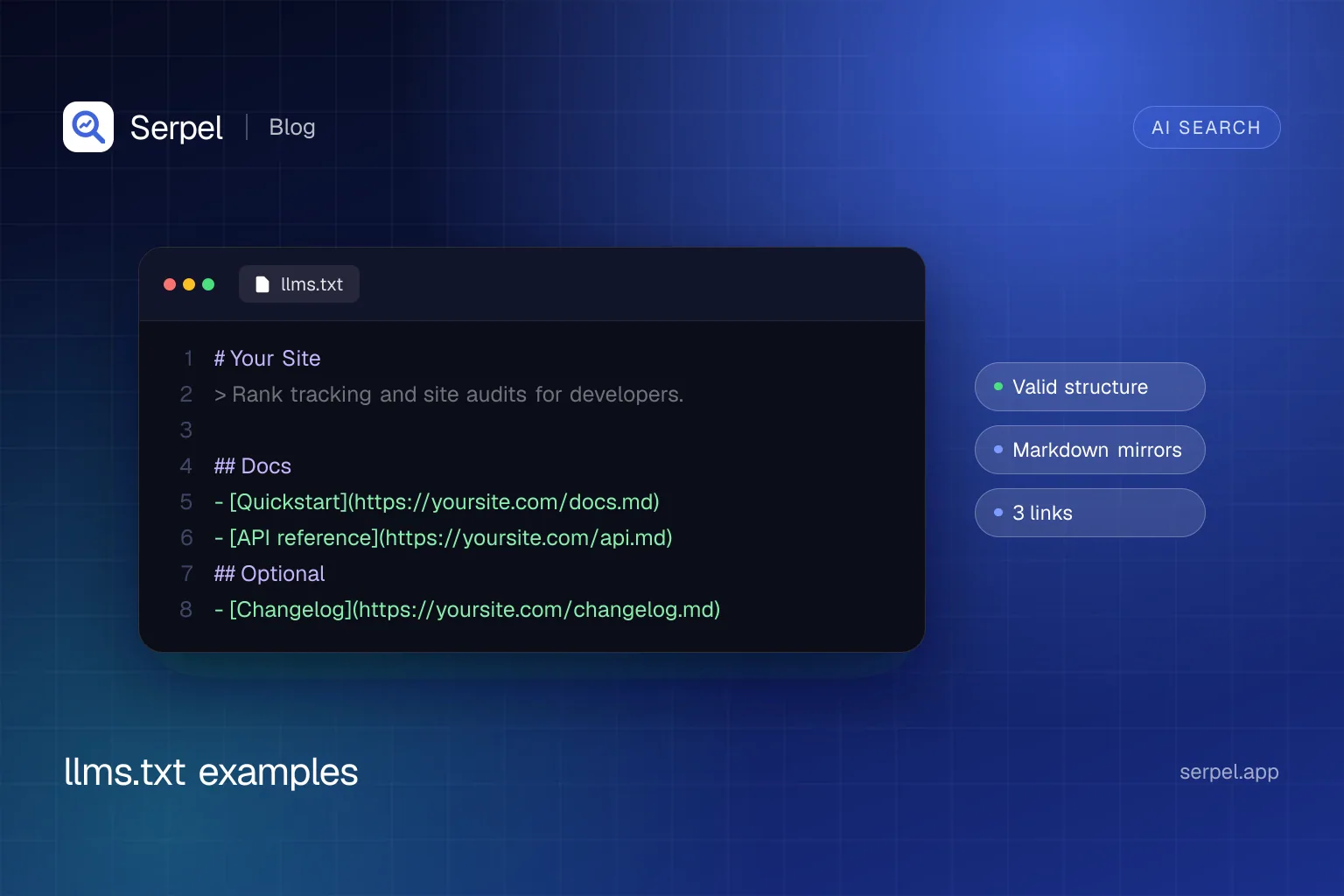
A file that follows the specification contains these parts, in this order:
- An optional byte-order mark.
- An H1 with the name of the project or site. This is the only required part.
- A blockquote with a short summary that holds the key information needed to understand the rest of the file.
- Zero or more paragraphs or lists with more detail on how to interpret the files. These sections must not contain headings.
- Zero or more H2 sections that hold file lists. Each entry is a Markdown list item with a required link in the form
[name](url), optionally followed by a colon and notes.
By convention an H2 section called Optional holds secondary links that an agent can skip when it needs a shorter context. The file can sit at the site root or at any path, for example /docs/llms.txt. It covers the URLs under its path, and where several files apply, agents should use the most specific one. The proposal also recommends a clean Markdown version of each important page at the same URL, with .md appended or replacing the extension, and your links should point to those versions where you have them.
# Site name

> One or two sentences that say what the site is and who it is for.

Optional notes that help an agent interpret the links below.

## Section name

- [Page title](https://www.example.com/page.md): What the page covers

## Optional

- [Secondary page](https://www.example.com/secondary.md): Safe to skip when context is short
llms.txt example for a SaaS docs site
Documentation is where llms.txt is used most, because coding agents follow it to find API references and tutorials. This example is for a fictional analytics product, and all names, URLs and numbers in the three examples are made up. It opens with the facts an agent would otherwise get wrong, then groups links by task.
# Northwind Metrics

> Northwind Metrics is a product analytics platform with a REST API and SDKs for JavaScript, Python and Go. This file lists the pages an agent needs to send events, query reports and manage API keys.

Notes for agents:

- The API base URL is https://api.example.com/v1 and every request needs a bearer token.
- The rate limit is 600 requests per minute per project. Retry with exponential backoff on HTTP 429.
- Event names are case-sensitive and limited to 64 characters.

## Getting started

- [Quickstart](https://docs.example.com/quickstart.md): Create a project, copy an API key and send a first event
- [Authentication](https://docs.example.com/authentication.md): API keys, scopes and key rotation
- [Core concepts](https://docs.example.com/concepts.md): Projects, events, properties and users

## API reference

- [Events API](https://docs.example.com/api/events.md): Send single and batched events, with the full JSON schema
- [Query API](https://docs.example.com/api/query.md): Run funnel, retention and trend queries
- [Errors and rate limits](https://docs.example.com/api/errors.md): Status codes, error bodies and retry guidance

## SDKs

- [JavaScript SDK](https://docs.example.com/sdks/javascript.md): Install, initialise and track in browsers and Node.js
- [Python SDK](https://docs.example.com/sdks/python.md): Install, async client and batching
- [Go SDK](https://docs.example.com/sdks/go.md): Client setup and context handling

## Optional

- [Changelog](https://docs.example.com/changelog.md): Release notes for the API and the SDKs
- [Migration guide from v0](https://docs.example.com/migrate-from-v0.md): Breaking changes and the upgrade checklist
- [Status page](https://status.example.com/): Current incidents and uptime history- The summary names the product and the audience, so an agent knows whether the file is relevant.
- The notes hold rules agents get wrong, such as authentication, rate limits and naming limits.
- Every link has a one-line description and points to a Markdown page.
- Secondary material sits under Optional, so an agent with limited context can skip the changelog and migration guide.
llms.txt example for an e-commerce store
A shop has more pages than any context window can hold, so link to category pages, buying guides and policies rather than individual products. Policies matter most, because customers ask assistants about delivery and returns.
# Fernwood Outdoor

> Fernwood Outdoor is an online shop for hiking and camping gear that ships from Leeds to the UK and Ireland. This file points to category pages, buying guides and the policies customers ask about most.

Key facts:

- Orders over £60 ship free in the UK, and standard delivery takes 2 to 4 working days.
- Unused items can be returned within 30 days.
- Prices are in GBP and include VAT.

## Shop by category

- [Tents](https://www.example.com/tents.md): Backpacking, family and ultralight tents with weight and season ratings
- [Sleeping bags](https://www.example.com/sleeping-bags.md): Down and synthetic bags, listed by comfort temperature
- [Rucksacks](https://www.example.com/rucksacks.md): Day packs and trekking packs, listed by capacity in litres
- [Footwear](https://www.example.com/footwear.md): Boots and trail shoes with width and waterproofing details

## Buying guides

- [How to choose a tent](https://www.example.com/guides/choose-a-tent.md): Season ratings, weight and packed size explained
- [Sleeping bag temperature ratings](https://www.example.com/guides/sleeping-bag-ratings.md): What comfort and limit ratings mean
- [Boot sizing guide](https://www.example.com/guides/boot-sizing.md): How to measure your foot and compare brands

## Policies

- [Delivery and shipping](https://www.example.com/policies/delivery.md): Costs, delivery times and countries served
- [Returns and refunds](https://www.example.com/policies/returns.md): Return window, condition rules and how refunds are paid
- [Warranty and repairs](https://www.example.com/policies/warranty.md): What is covered and how to make a claim

## Support

- [Contact us](https://www.example.com/contact.md): Email, phone hours and live chat
- [Order tracking](https://www.example.com/orders/tracking.md): How to track a parcel

## Optional

- [About Fernwood](https://www.example.com/about.md): The company, its stores and its sustainability commitments
- [Sitemap](https://www.example.com/sitemap.xml): Every product URL, for tools that need the full catalogue
Put the facts people ask about, such as the free shipping threshold, the return window and the currency, in the notes, and link the sitemap under Optional for tools that need the full catalogue. Keep these numbers in sync with your real policies, because an agent will repeat them.
llms.txt example for a blog
A blog benefits from a short list of the posts you most want read, a topic map and pages that show who writes it and how it is maintained.
# Ledgerline Engineering Blog

> Practical articles on payments infrastructure, written by the engineers at Ledgerline. Posts include working code and are updated when the underlying APIs change.

About this blog:

- New posts appear every Tuesday, and each post shows its publication and last updated dates.
- Code samples use TypeScript and Postgres unless a post says otherwise.
- Author pages list the role and expertise of each writer.

## Start here

- [Idempotency keys explained](https://blog.example.com/idempotency-keys.md): How to make payment retries safe, with a complete Node.js example
- [Designing a double-entry ledger](https://blog.example.com/double-entry-ledger.md): Schema, constraints and queries for a Postgres ledger
- [Webhook reliability checklist](https://blog.example.com/webhook-reliability.md): Signatures, retries and replay protection

## Topics

- [Payments](https://blog.example.com/topics/payments.md): All posts about charges, refunds and payouts
- [Databases](https://blog.example.com/topics/databases.md): Schema design, migrations and performance
- [Reliability](https://blog.example.com/topics/reliability.md): Incident reviews and resilience patterns

## About the authors

- [Authors](https://blog.example.com/authors.md): Who writes here and what they work on
- [Editorial policy](https://blog.example.com/editorial-policy.md): How posts are reviewed, corrected and updated

## Optional

- [Full archive](https://blog.example.com/archive.md): Every post, newest first
- [RSS feed](https://blog.example.com/feed.xml): Subscribe to new posts
Curate rather than dump. List the pillar posts instead of the archive, and link the archive under Optional. State how often posts are updated and how corrections are handled, because that is what a reader or an agent needs to judge reliability.
What is llms-full.txt?
llms-full.txt is not part of the llmstxt.org specification, which does not mention it. It is a convention in which a site publishes the full text of its documentation as one Markdown file next to llms.txt, so an agent can load everything in a single request. Anthropic’s developer docs show the pattern: the llms.txt lists pages as links and ends with a pointer to llms-full.txt. Cloudflare uses the subpath approach that the specification allows, with a top-level llms.txt that points to a separate llms.txt for each product.
Use a full file only when the whole text fits comfortably in a model’s context, for example for a small API. Large sites are better served by the index file and clean per-page Markdown, because a multi-megabyte file defeats the purpose.
Do AI systems read llms.txt?
Nobody has confirmed it for search. Google’s guide to generative AI features says you don’t need llms.txt to appear in Google Search, that Google Search itself does not use such files, and that creating one will neither help nor harm your visibility there. Google’s John Mueller wrote in June 2025 that no AI system currently uses llms.txt, pointing to server logs, and in June 2026 called it purely speculative for now. We found no statement from OpenAI, Anthropic or Perplexity that their search products read it to choose sources.
Where it does have a use is with tools you point at it. The proposal lists documentation platforms such as Mintlify and GitBook that generate the file, and mcpdoc is an MCP server that serves a list of llms.txt files to hosts including Cursor, Windsurf, Claude Desktop and Claude Code. Chrome’s Lighthouse includes an optional llms.txt audit that flags a server error and treats a missing file as not applicable.
You can collect your own evidence instead of trusting claims. This command lists which user agents request your llms.txt. If no AI crawler shows up after a few months, that fits the statements above, and the file still costs almost nothing to keep. For what does move AI visibility, read our guide to generative engine optimization.
grep "GET /llms.txt" access.log | awk -F'"' '{print $6}' | sort | uniq -c | sort -rn | headHow do you validate an llms.txt file?
llmstxt.org defines the format but does not provide an llms.txt validator. A useful check covers three things: the structure follows the format (one H1 first, a blockquote, entries written as - [name](url): notes), every link is absolute and returns status 200, and each link has a short description. The specification’s own advice is to test the file by giving an agent only your llms.txt and asking it questions about your content.
This small Node script (Node 18 or later) checks structure and links and warns about missing notes. Run it with a URL or a file path. It exits with status 1 when it finds a problem, so you can add it to CI after each deploy.
import { readFile } from "node:fs/promises";

const location = process.argv[2];
if (!location) {
  console.error("Usage: node validateLlmsTxt.mjs <url-or-file>");
  process.exit(2);
}

async function loadText() {
  if (!/^https?:\/\//i.test(location)) return readFile(location, "utf8");
  const response = await fetch(location);
  if (!response.ok) throw new Error("HTTP " + response.status + " for " + location);
  return response.text();
}

async function readStatus(url) {
  try {
    const head = await fetch(url, { method: "HEAD" });
    return head.status === 405 || head.status === 403 ? (await fetch(url)).status : head.status;
  } catch (error) {
    return error instanceof Error ? error.message : String(error);
  }
}

const lines = (await loadText()).replace(/^\uFEFF/, "").split(/\r?\n/);
const problems = [];
const warnings = [];

const headings = lines.filter((line) => /^#\s+\S/.test(line));
if (headings.length !== 1) problems.push("Expected one H1, found " + headings.length + ".");
if (lines.find((line) => line.trim()) !== headings[0]) problems.push("The H1 must be the first line.");
if (!lines.slice(1).find((line) => line.trim())?.startsWith(">")) warnings.push("No blockquote summary after the H1.");

const entryPattern = /^\s*[-*]\s+\[([^\]]+)\]\((\S+?)\)(?::\s*(.+))?\s*$/;
const entries = lines.map((line) => entryPattern.exec(line)).filter(Boolean);
if (entries.length === 0) problems.push("No entries like - [name](url): notes found.");

const statuses = await Promise.all(entries.map(([, , url]) => (/^https?:\/\//i.test(url) ? readStatus(url) : "relative")));
entries.forEach(([, name, url, notes], index) => {
  if (statuses[index] !== 200) problems.push('Link "' + name + '" returned ' + statuses[index] + ": " + url);
  if (!notes) warnings.push('Link "' + name + '" has no notes.');
});

console.log(entries.length + " links, " + problems.length + " problem(s), " + warnings.length + " warning(s).");
problems.forEach((text) => console.log("PROBLEM " + text));
warnings.forEach((text) => console.log("WARNING " + text));
process.exitCode = problems.length > 0 ? 1 : 0;
To create a file, write it by hand from the examples above, use your docs platform’s generator, or start from Serpel’s free llms.txt generator. Serpel’s site audit also reports a missing llms.txt as a notice, and serpel ai status shows whether one is reachable from your last crawl, next to the AI crawlers your robots.txt allows. See AI visibility in Serpel for the rest.
Frequently asked questions
What is an llms.txt file?
An llms.txt file is a Markdown file at /llms.txt that gives AI agents a short, curated overview of a website: an H1 with the site name, a blockquote summary and lists of links with descriptions. Jeremy Howard proposed it in September 2024. It is a proposal, not a formal standard.
Does ChatGPT or Google use llms.txt?
Google says its Search does not use llms.txt and that having one neither helps nor harms visibility. We found no statement from OpenAI, Anthropic or Perplexity that their search products read it to choose sources. Some tools, such as MCP servers for coding agents, do read it when you point them at it.
Where do I put llms.txt?
At the root of your site, so it is served at /llms.txt. The specification also allows the file at any subpath, such as /docs/llms.txt, where it covers the URLs under that path. If several files apply, agents should use the most specific one.
What is the difference between llms.txt, robots.txt and sitemap.xml?
robots.txt tells crawlers which access is acceptable, and sitemap.xml lists all indexable pages for search engines. llms.txt is a short, curated overview for agents that need information on demand. It does not allow or block anything.
Do I need an llms-full.txt file?
No. It is a convention, not part of the specification. It only makes sense for small documentation sets whose full text fits in a model’s context, as one file an agent can load in a single request.
Sources
- llmstxt.org: The /llms.txt file, v2 (Jeremy Howard), accessed 10 Oct 2026
- Answer.AI: The /llms.txt file (Jeremy Howard, 3 Sept 2024), accessed 10 Oct 2026
- Google Search Central: Optimizing your website for generative AI features on Google Search, accessed 10 Oct 2026
- Search Engine Roundtable: Google says no AI system currently uses llms.txt (June 2025), accessed 10 Oct 2026
- Search Engine Journal: Google says llms.txt is purely speculative for now (June 2026), accessed 10 Oct 2026
- Chrome for Developers: Lighthouse llms.txt audit, accessed 10 Oct 2026
- Anthropic: Developer documentation llms.txt, accessed 10 Oct 2026
- Cloudflare: Developer documentation llms.txt, accessed 10 Oct 2026
- LangChain: mcpdoc, an MCP server for llms.txt files, accessed 10 Oct 2026
Related reading
- llms.txt generatorFree llms.txt generator: create a valid llms.txt for your website in the llmstxt.org format, then copy it to the root of your domain.
- AI crawlers: which to allow, which to block, and how to do itA practical list of AI crawlers: what GPTBot, ClaudeBot and others do, which to allow or block, plus robots.txt examples you can copy and test.
- Generative engine optimization (GEO): what it is and what worksGenerative engine optimization (GEO) is how you get cited in AI answers. See what the research found, what Google says and a checklist you can use.
- AI visibilitySerpel is an AI visibility tool: it checks whether ChatGPT and Google AI Overviews cite your website for the questions your customers ask.