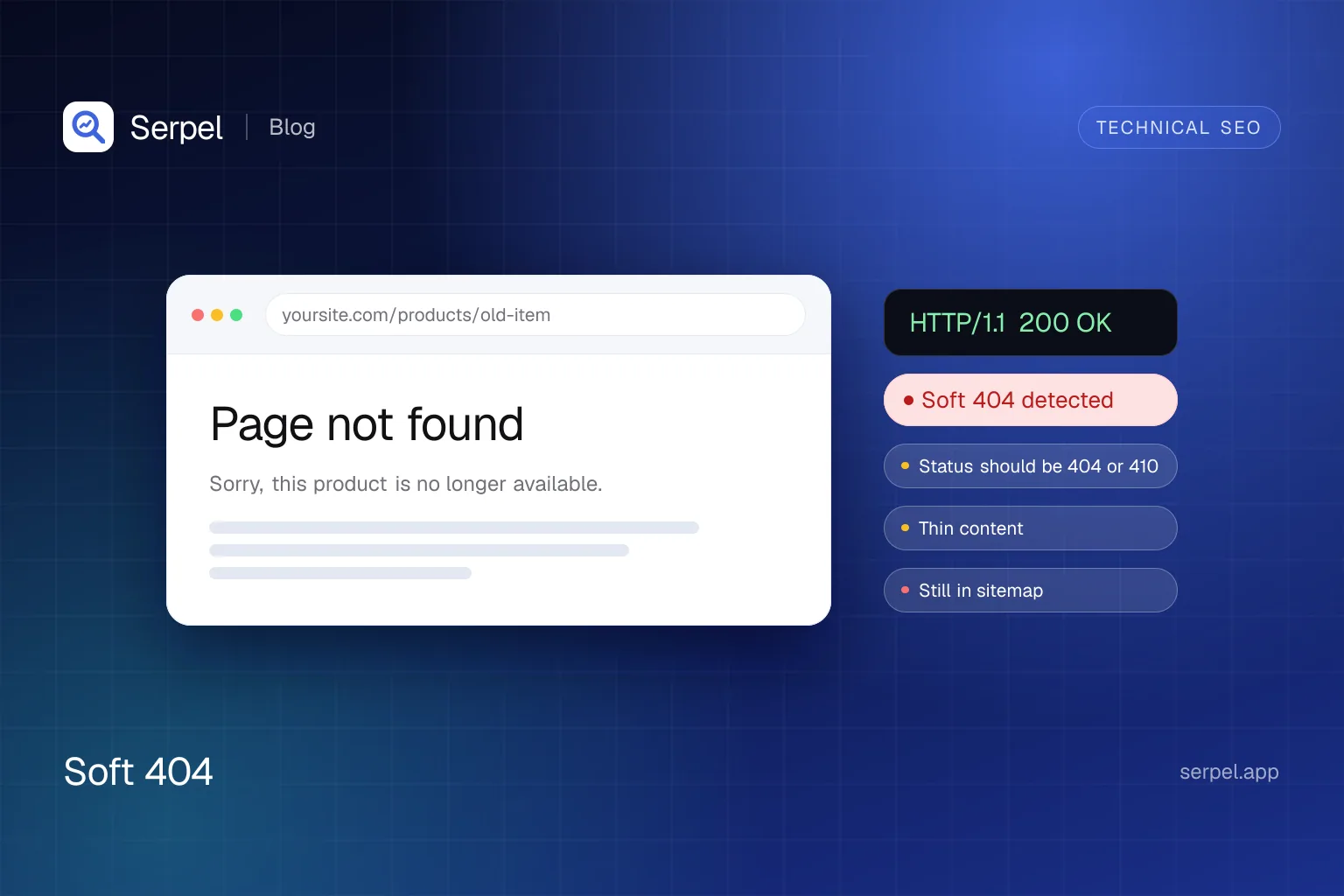
What is a soft 404?
Google defines a soft 404 as a URL that displays a “content doesn’t exist” page but is served with a 200 success status. Some soft 404 pages have no main content at all. When Google’s systems recognise an error page from its content, Search Console lists the URL as “Soft 404” in the Page indexing report. A real 404 is different because the status code itself tells crawlers that the page is gone.
| Response | Status code | What the visitor sees | What Google does |
|---|---|---|---|
| Real 404 | 404 | A “not found” page | Ignores any content. A URL that was indexed is removed from the index, and Google stops using the URL over time |
| Real 410 | 410 | A “gone” page | Treats it like a 404. Google handles all 4xx codes except 429 the same way |
| Soft 404 | 200 | A “not found” message, an empty page or almost no content | Detects the problem from the content, reports it in Search Console and excludes the page from Search |
| Permanent redirect | 301 | The new page | Ignores the content of the old URL and treats the redirect as a strong signal to process the target |
Why do soft 404s matter for SEO?
- The page cannot rank. Pages that Google classes as soft 404 are excluded from Search. That is harmless for a page that should not exist and costly for one that should.
- They waste crawling. Google’s crawl budget guide says soft 404 pages continue to be crawled and waste budget. The guide is aimed at very large sites, so for a small site the first point matters more.
- They hide real faults. A broken database connection, a missing include file or a script that fails to load can turn a good page into a soft 404.
- Monitoring misses them. A check that only watches status codes sees a healthy
200while visitors see an error.
What causes soft 404 errors?
Google lists typical causes: a missing server-side include file, a broken database connection, an empty internal search results page and an unloaded or missing JavaScript file. In practice they show up in six places:
- Thin or empty pages. A category, tag or filter page with no items renders a template and nothing else.
- Empty internal search results. Every query gets a page, even one with “no results”.
- Out-of-stock and discontinued products. The page stays up with an “unavailable” message and little else.
- JavaScript apps that answer 200 for everything. Client-side routing renders a “page not found” view, but the server already sent a success status. See our guide to JavaScript SEO.
- Catch-all redirects. Every missing URL is redirected to the homepage.
- Broken or blocked resources on a page that should exist. The page renders blank or with an error for Googlebot.
How does Google Search Console report soft 404s?
Open the Page indexing report and look for “Soft 404” among the reasons pages are not indexed. Google describes it as a request that returns what it thinks is a soft 404 response: a user-friendly “not found” message without a 404 status code. The recommended fix is to return a 404 for pages that are truly not found. If the page is not meant to be a 404, add more information so Google can tell it is a real page.
Google’s advice for a flagged URL is to run a live URL Inspection test and open “View tested page” to see how it renders. Check the status code your server sends as well. A random URL that cannot exist should return 404.
curl -s -o /dev/null -w "%{http_code}\n" https://example.com/this-page-does-not-exist-4821How do you fix a soft 404 in each case?
Choose the fix from the state of the page and the result you want. The table follows Google’s guidance for removed, moved and existing pages and its documents on e-commerce URLs, JavaScript and pausing a business.
| Situation | Right response | Why |
|---|---|---|
| Content removed for good, no replacement | Return 404 or 410. A custom error page is fine if the server still sends the status | It tells search engines the page does not exist |
| Content moved or clearly replaced | Return a 301 to the new URL | A permanent redirect passes the signal to the target |
| Product temporarily out of stock | Keep the page and mark it as out of stock | Google’s guidance for pausing a business says it is better to keep the page and mark the product out of stock |
| Product discontinued for good | Return 404 or 410, or 301 to a close replacement | The same rules as for removed and moved content |
| Empty category | Add noindex while it is empty, or return 404 if the site removes empty categories from browsing and search | Google suggests noindex for categories with no items and a 404 when the category is removed |
| Internal search with no results | Return 404 for queries without results, or add noindex to those pages | Google names empty internal search result pages as a typical cause of soft 404s |
| Single-page app route that does not exist | Redirect with JavaScript to a URL that returns 404, or add noindex to the error view | Client-side error views often return 200, which can get them indexed |
| Thin page that should exist | Add real content and a specific title | More information lets Google tell it is not a soft 404 |
| Good page flagged by mistake | Check the rendered page in URL Inspection and fix blocked, failing, slow or oversized resources | A blank or error rendering usually comes from resources that did not load |
Redirecting every removed URL to the homepage fits none of these cases. Google asks for a 301 when there is a clear replacement and a 404 or 410 when there is none. The free redirect checker shows the status code of every hop for a URL you changed.
Frameworks need care. In Next.js, the notFound function renders the 404 page and adds a noindex tag. If you call it before streaming starts, the response is a real 404. If it runs after streaming has started, for example inside a Suspense boundary, the response keeps its 200 status and relies on the noindex tag. Do the existence check before the page starts streaming. Our Next.js SEO guide covers the rest.
import { notFound } from 'next/navigation'
import { getProduct } from '@/lib/products'

export default async function ProductPage({ params }: { params: Promise<{ slug: string }> }) {
  const { slug } = await params
  const product = await getProduct(slug)

  if (!product) {
    notFound()
  }

  return <h1>{product.name}</h1>
}
How can you find soft 404s on your own site?
Do not wait for Search Console to report them. A short routine catches most cases:
- Request a random URL that cannot exist and confirm the status code is 404 or 410.
- Crawl the site and list pages that answer 200 but contain an error phrase or only a few words.
- Open an empty category, a search for nonsense and a discontinued product, and read the status code of each response.
- Check your server logs for 200 responses to URLs that were never part of the site.
- Review the Page indexing report regularly for new “Soft 404” entries.
How does Serpel detect likely soft 404s?
Serpel can’t see Google’s verdict, so its crawler looks for the same signs from the outside and labels the result as likely. During a crawl it first requests a random URL that cannot exist on the same site, as long as robots.txt allows it. That response shows what the site’s real error page looks like: its status, title, first heading and a fingerprint of its text.
Then Serpel’s site audit checks every page that answers with a 2xx status. It skips the homepage, pages with noindex and pages that look like an empty JavaScript shell, because their real content is unknown and they get a rendering note instead. For the remaining pages it looks for five signals:
- Content matches the error page. The text is practically identical to the response for the random URL.
- Error message in the page. A phrase such as “not found”, “404”, “no longer available” or “does not exist”, in English or German, appears in the title or first heading of a short page, or in the text of a very short one.
- Same title as the error page. The title equals the one the random URL returned.
- Very little text. The page has only a handful of words.
- Redirect to the homepage. A URL at least two path levels deep redirects to the homepage.
Each signal has a weight, and the weights add up to a confidence score. A score of 0.85 or more produces a soft_404 error, and a score of 0.5 or more produces a soft_404_possible warning. A near-identical match with the error page reaches the first level on its own. An error message alone, or a redirect to the homepage alone, reaches the second. The same title and very little text only count together with another signal.
Read “possible” findings as leads, not verdicts. The details name the signals and the confidence, so you can see why a page was flagged.
serpel audit issue soft_404 --project <project-id>
serpel audit issue soft_404_possible --project <project-id>
serpel crawl page <page-id> --crawl <crawl-id>
Frequently asked questions
What is the difference between a 404 and a soft 404?
A 404 is an HTTP status code that tells crawlers the page does not exist. A soft 404 shows the visitor a “not found” message, an empty page or almost no content while the server still answers with 200, so Google has to work out from the content that the page is an error.
Do soft 404s hurt SEO?
Google excludes pages it classes as soft 404 from Search, so a page that should rank will not. They can also waste crawling, which matters mostly on very large sites. Soft 404s on pages that should not exist are harmless to rankings but still worth cleaning up.
How do I fix soft 404 errors in Google Search Console?
Open the Page indexing report, inspect a flagged URL and check the status code and rendered page. Return 404 or 410 for removed content, 301 for moved content, and add real content or fix blocked resources if the page should exist.
Should I redirect deleted pages to the homepage?
No, unless the homepage is a relevant replacement. Google asks for a 301 when a clear replacement exists and a 404 or 410 when it does not. A blanket redirect is neither, which is why Serpel flags deep URLs that redirect to the homepage as a possible soft 404.
Is a 410 better than a 404?
For Google Search there is no practical difference. Its documentation says all 4xx status codes except 429 are treated the same, and indexed URLs that return them are removed from the index. Use 410 if you want to state clearly that content is gone for good.
Sources
- Google Search Central: Troubleshoot Google Search crawling errors, accessed 10 Oct 2026
- Google Search Central: HTTP status codes, network and DNS errors, and Google Search, accessed 10 Oct 2026
- Search Console Help: Page indexing report, accessed 10 Oct 2026
- Google Search Central: Managing crawl budget for large sites, accessed 10 Oct 2026
- Google Search Central: Understand JavaScript SEO basics, accessed 10 Oct 2026
- Google Search Central: Ecommerce URL structure best practices, accessed 10 Oct 2026
- Google Search Central: Temporarily pause or disable a website, accessed 10 Oct 2026
- Next.js documentation: notFound, accessed 10 Oct 2026
Related reading
- Site auditSerpel runs a technical SEO audit with 94 checks, JavaScript rendering and Core Web Vitals, and explains every issue and its fix.
- JavaScript SEO: how Google crawls, renders and indexes JavaScriptJavaScript SEO explained: how Googlebot crawls, renders and indexes JS, which rendering strategy to choose and how to test what Google sees.
- Next.js SEO: the App Router guide to metadata, sitemaps and renderingNext.js SEO best practices for the App Router: metadata, sitemaps, robots, JSON-LD, rendering and Core Web Vitals, with working code for Next.js 15 and 16.