What happened with Bing Topics Portfolio beta
On 13 Oct 2026, Microsoft Bing announced Topics Portfolio as a beta feature inside the AI Performance report in Bing Webmaster Tools. For SEO teams, the main change is not another ranking report. It is a way to review AI Search visibility through themes, demand signals and gaps.
Topics Portfolio groups grounding queries where a site appears into broader thematic clusters, including examples such as football, taxes and AI Chatbots. That moves the workflow away from checking isolated prompts only. It gives content and SEO teams a cleaner starting point for deciding which areas deserve deeper analysis.
The tab appears next to Citations & Pages if there is sufficient data for the site. Access is under the AI Performance report within Bing Webmaster Tools only if there is sufficient data for the site. If you do not see the tab, record that status and check again later. Do not rebuild content or change crawl rules solely because the beta view is absent.
Bing says the topics and opportunity queries are surfaced from the site’s own presence and activity in AI Search, not from a generic ecosystem list. That detail matters for interpretation. It means the report is not a general keyword database. It is a site-specific view to use alongside your own content judgement.
Today we are announcing a new beta feature inside the AI Performance report in Bing Webmaster Tools. It is called Topics Portfolio
What changes for you
The new report shows how AI Search presence is distributed across themes, how much demand each theme represents, how competitive each theme is and where the site has room to grow. That is useful when a single prompt view has become too noisy. It lets you compare groups of related questions before you decide which pages, authors or templates need attention.
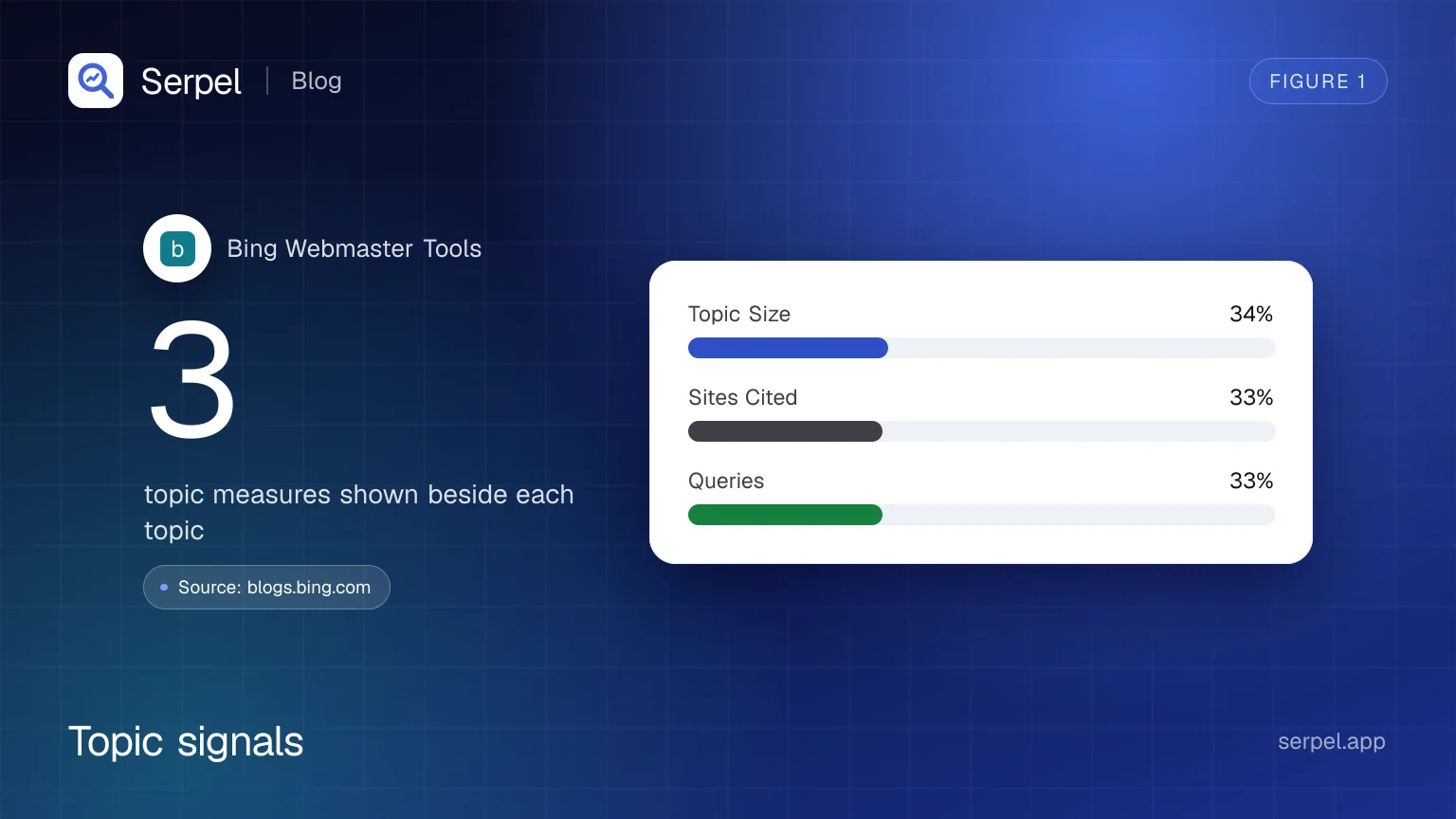
The topic table includes Topic Size, Sites Cited and Queries beside each topic. Topic Size is not your site’s traffic. It is an approximate demand signal for a theme across AI Search citations. Sites Cited is a crowding signal. Queries show how much prompt-level detail is available inside the cluster.
Top Opportunity Queries identify queries where other sites appear and your site does not. The feature also groups queries your site is cited for in AI answers into broader topics and lists queries in those topics where other sites appear and yours does not. This is the part most likely to interest content strategists, because it points to missed appearances near topics where Bing already sees related ecosystem activity.
Inside a topic, Bing splits query detail into grounding queries where the site appears and opportunity queries where it does not. Bing also mentions one-, two- or three-month windows for reviewing the data. Use the windows to look for persistent gaps, not one-off curiosities. A query that keeps appearing across periods deserves more attention than a single isolated suggestion.
- Topic Size estimates approximate total citations across all sites for a topic during the selected period.
- Sites Cited estimates the approximate number of sites appearing for queries in a topic.
- Top Opportunity Queries are shown where other sites appear and yours does not, with volumes shown as ranges.
- Bing says to treat the numbers as directional signals for planning, not as a precise ledger.
What to do now
Treat the new tab as a prioritisation aid. It can help you choose where to investigate, but it should not make content decisions on its own. A good workflow is to confirm access, separate relevant opportunities from poor-fit prompts, then check whether your existing pages are crawlable, indexable and strong enough to answer the underlying question.
Check whether the tab appears
Open Bing Webmaster Tools, go to AI Performance and look for the new Topics Portfolio tab next to Citations & Pages. Bing says the tab appears if there is sufficient data for your site. If it is absent, record that status and review other evidence before changing technical settings.
Sort themes before prompts
Start at topic level. Bing’s topic table includes Topic Size, Sites Cited and Queries beside each topic. Review those fields together. A large, crowded theme may need authority and coverage work. A smaller, less crowded theme may be a better short-term test.
Review opportunity queries carefully
Use Top Opportunity Queries to find prompts where Bing sees other sources but not yours. Bing describes these as the strongest queries across the whole portfolio where other sites appear and yours does not. Then ask whether your site should realistically answer each query. Ignore opportunities that are off-topic, too branded around another organisation, or outside your expertise.
Map gaps to existing pages first
Before creating new content, check whether an existing page already covers the intent. If it does, improve the answer, structure, examples and internal links. If it does not, decide whether the topic fits your product, audience and editorial standards. This avoids building thin pages for prompts that do not belong on your site.
Compare with your own search data
If you already use Bing Webmaster Tools and Google Search Console, you can review both sources alongside other SEO data in Search data. Serpel shows Google Search Console and Bing Webmaster Tools in one place, including clicks, impressions, CTR and position per query and page, with history and an API.
How to check it
After you pick an opportunity, check whether the target page can be reached and understood. Use the robots.txt checker to see which AI crawlers can reach your homepage, list your sitemaps and check llms.txt. That does not guarantee inclusion in an AI answer, but it removes a basic access problem from the investigation.
Use the sitemap checker when a topic depends on pages that should be discoverable through XML sitemaps. It validates an XML sitemap, tests its limits and URLs, and samples listed pages for 404s, redirects and noindex headers. If the pages are missing, redirected badly or marked noindex, fix that before judging the topic opportunity.
For structured pages, use the schema validator to test JSON-LD, Microdata and RDFa from a URL or pasted code. Then track whether your broader AI visibility changes over time with AI visibility, which checks whether ChatGPT and Google AI Overviews cite your website for the questions your customers ask. Keep Bing’s topic data, your crawl checks and your content judgement in the same review, rather than treating any one report as the final answer.
Frequently asked questions
What is Bing Topics Portfolio beta?
Bing Topics Portfolio beta is a beta feature inside the AI Performance report in Bing Webmaster Tools. It groups AI Search grounding queries into topic clusters and shows signals that can help you plan where to investigate your AI Search presence.
Why can’t I see Topics Portfolio in Bing Webmaster Tools?
Bing says the Topics Portfolio tab appears next to Citations & Pages if there is sufficient data for your site. Access is limited to the AI Performance report when there is sufficient data for the site. If it is missing, avoid assuming one cause without checking other evidence.
Are Topic Size and Sites Cited exact numbers?
No. Bing says to treat the numbers as directional signals for planning, not as a precise ledger. Use them to compare topics, spot possible gaps and choose where to inspect manually.
How should I use Bing AI Search opportunity queries?
Top Opportunity Queries identify queries where other sites appear and yours does not. Review each one for fit, intent and evidence. Then improve an existing page or create a new page only when the query genuinely matches your audience and expertise.
Does Topics Portfolio replace normal SEO reporting?
No. It is a planning view for Bing AI Search presence, not a replacement for rankings, crawl checks, analytics or search console data. Keep using normal SEO diagnostics, especially when an opportunity points to a page that may have crawl, indexation, redirect, schema or content quality issues.
Sources
- Bing Webmaster Blog, accessed 14 Oct 2026
- Search Engine Roundtable, accessed 14 Oct 2026
- Search Engine Journal, accessed 14 Oct 2026
Related reading
- Bing Search Console: how to set up Bing Webmaster ToolsBing Search Console is Bing Webmaster Tools. Set it up step by step: import from Google, verify, submit sitemaps, use IndexNow and read the reports.
- Search dataSee Google Search Console and Bing Webmaster Tools in one place: clicks, impressions, CTR and position per query and page, with history and an API.
- AI visibilitySerpel is an AI visibility tool: it checks whether ChatGPT and Google AI Overviews cite your website for the questions your customers ask.
- Answer engine optimization (AEO): what it is and how to do itAnswer engine optimization (AEO) means writing content AI answers can cite: how engines pick sources, which page patterns help and how to measure.